Saturday, July 15, 2006

BBQ in Toronto with Alias/Autodesk homeys

Today was totally sweet. I took a much-needed break from programming my Raytracer project and went to Toronto with Matt. We met up with Alex and hung out for a bit, ate a bunch of chocolate, went to Spring Rolls (best food ever), then ate more chocolate and went the Paramount Theatre to watch Pirates of the Caribbean and it was totally awesome. Yes, Kiera Knightely was gloriously attractive as always. And Johnny Depp (especially) and Orlando Bloom were really fantastic actors too and also did a great job.

Then we went up to John's house, my manager when I was at Alias and Matt's new manager at Autodesk. He had a suuuupppper awweeeeeesome BBQ at his place today, it was totally awesome and there were a bunch of super wicked old-school Alias people there and they were all just as totally awesome as they have always been. (Can you count how many times I said "awesome" or it's variants in this past paragraph??) :) Good times!!

Anyway, much eating and "slack-lining" ensued, the latter being a cool sport where you walk across a, hehe how do I describe this, a "slacked" line that is in between 2 trees. You balance on the line and walk across, it's a new sport that John has been getting into and it was pretty hard but a neat idea and fun, though I fell off a few times. :) Matt seemed to be doing really well! So we had a great time and saw lots of wicked people, I hung out and chatted to all these super sweet people and I loved it. Hehe oh yeah and the food was amazing too. All in all a totally amazing day, and it was a break that I really needed, so it was just fantastic. Now I gotta drink some Lemonade (cause I bought this fancy lemonade and I think it expires tomorrow, hehe) and watch a Scrubs episode and go to sleep.

As I might say... "good times!!!"


Matt at Spring Rolls for lunch

Mmm.. Thai Red Curry...

Matt rockin' some mad food

Haha Alex chillin'

Word

Fixing my hat hair??!

Haha thumbs up

John teaching us how to "slack line"

Sweet picture

Matt

Matt givin' it a go

Sweet
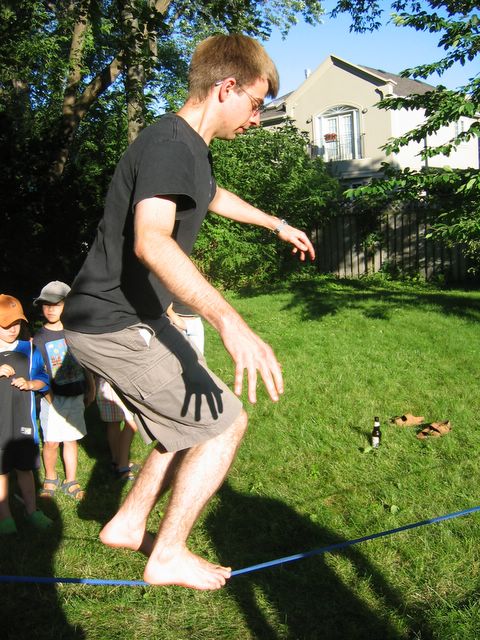
Impressive stuff!!
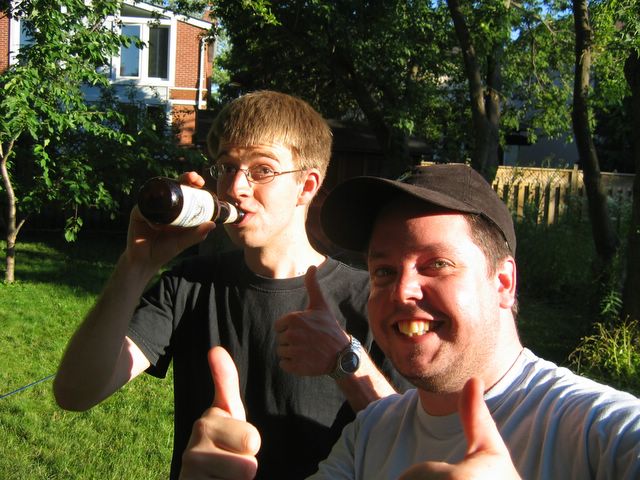
"Good times!"

John teaching me how to "slack line"

Trying it out

Haha in mid-fall

Other people at the BBQ

Matt with the classic "cookie and beer" combination

Haha
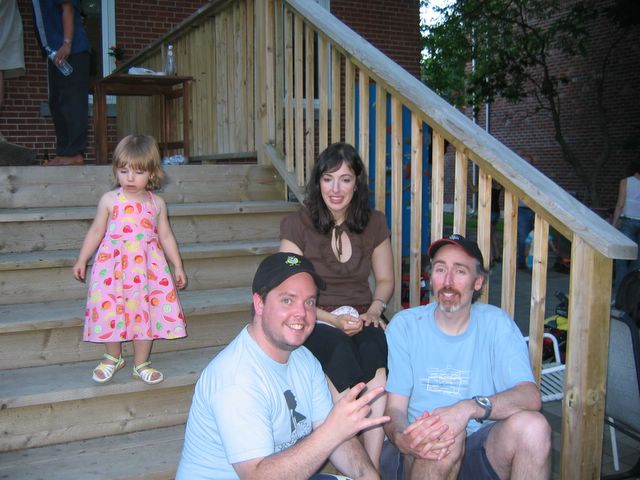
Me with Cory and his wife

Haha good one of me with Shai

Voxel Traversal hard work again!!!

Oh man, what a crazy day of programming and sortof successful, not as great as previous days this week, but not too bad I guess!! :) In the style of last night when I programmed Fresnel reflection which isn't an objective for my Raytracer but I thought it would be cool, I tried to do sub-mesh Voxels today!

This meant that I needed to completely reorganize my structure again, so that Primitives know their parents and a bunch of other crazy stuff. In the end I mostly managed to get this working, and to get Triangles actually associated with Voxels. This seems easy at first, but I have a lot of crazy issues like now needing to do all the hierarchical raytracing change of coordinate system stuff in the Primitive intersection code now, instead of in the Scene where I have done it up till now. I also want to continue to support my older code, so that I can continue to render without spatial subdivisions on. So this was a ton of code and after hours of writing new copy constructors and a bunch of crazyness, hehe it *totally* didn't work. :) Hehe ohhh Voxels, you jerks. I figured it was going to be easy to do this but there were about 50 more issues I didn't initially expect... oh well.

Anyway after yet more reorganization and after taking a decent break for dinner, I got back to it and fixed some issues with the organization. I think my polys are not totally returning the closest intersection. Or something is weird. Anyway this is pretty close but there is some issue I can't figure out at the moment.

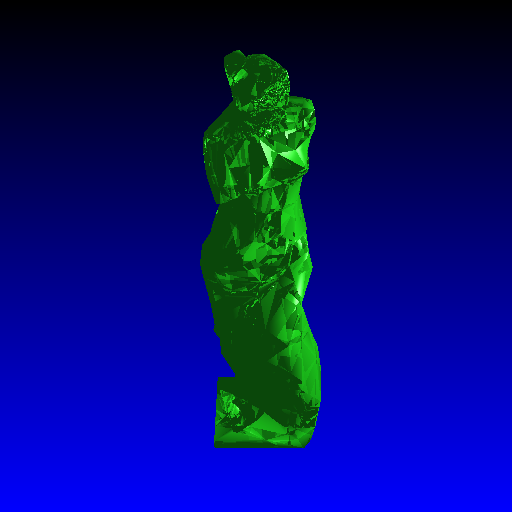
Well after all this crazyness... I rendered the Venus De Milo mesh, and compared it to running it with Grid Subdivisions and without this extra triangle feature... this is crazy and awesome. So if I can get the normals or the intersection stuff or whatnot figured out, then this will be great.

It went from 2752 seconds (approx 46 minutes) of render time to 143 seconds (approx 2 minutes)?!?!? Whhhoooaa!! Hehe so I guess this ridiculously insane effort IS worth it in terms of render time... sweet.


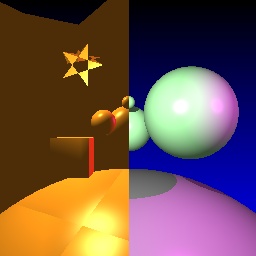
Hehe totally not working


Haha you can see the Voxel grid boundary?!?!


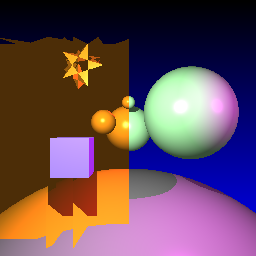
Still super wrong


Hehe well at least some of the image still works??!!


Hierarchical with mesh problems... some shadow issue or visibility error...


Venus De Milo with Grid Traversal, pre-triangle/voxel code


Venus De Milo runtime with Grid Traversal, pre-triangle/voxel code, 46 minutes


Venus De Milo with Grid Traversal, with triangle/voxel code... incorrect at the moment, but fast!


Venus De Milo with Grid Traversal, with triangle/voxel code... super fast, 2 minutes!

Friday, July 14, 2006

Started sub-mesh Voxel traversal code

Hehe yes it's 3:45am and I am up again, this is an "early" night again cause I've been rockin' some 6:00am's for a few nights in a row. Hehe as you can see from the last 20 posts or so, pretty much all I think about now is my Raytracer!! :)

So tonight was pretty good, I got UV Mesh Interpolation done and got my Coke can from Maya importing into my Raytracer which rocks. Then I wrote Fresnel refraction and incorporated it into my current setup while still allowing materials which have a coefficient that you specify.

Now I am improving my Voxel traversal code by doing something that Matt suggested, I am now going to associate each Voxel with a set of Primitives instead of with Geometry objects as they are currently associated with. This means that the Voxels will actually contain items that are of sub-mesh level, i.e. I will be associating individual triangles with Voxels rather than full-on Mesh Geometry objects. This will have a fantastic effect on the efficiency of my Raytracer as currently I need to traverse a list of a ridiculous amount of vertices every time I hit the mesh with a ray. I tried rendering a 512x512 image of my beer glass with Fresnel Reflectance and a reflection depth of 10 and a refraction depth of 10. I started it at 12:09 and now it's 3:48am and I think it's still going. It's rendering on a P4 3.0 Ghz with 1GB RAM so that is a decent machine, and it's super slow. This is using my Grid, but it doesn't work all that well for that scene because I need to associate triangles with Voxels instead of Meshes like I am right now.

Anyway this should actually be a pretty decently easy change, I have already done half of it, so once I do this I am going to re-render these to see how much of a speedup I get.

Thursday, July 13, 2006

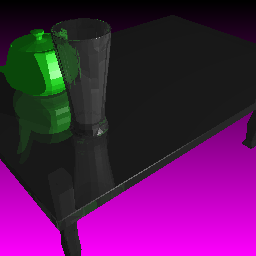
Fresnel Refraction

This wasn't an objective for my Raytracer Project, but I wanted to do it anyway to make my glass objects look extra sweet.

I think this is working now, I wasn't sure at the beginning but I think it's correct now. The reflection and refraction coefficients are calculated based on the viewing angle, so that is pretty groovy and makes for some more realistic glass simulation.


Non-Fresnel glass, with reflection coefficient of 0.3 and refraction at 0.7. Note the large amount of reflection, especially of the red wall.


Fresnel Reflectance. Note the reduced reflection, and note that the majority of the reflection occurs only at the edges of the sphere rather than uniform across it.


My table scene rendered with Fresnel Reflectance and Reflection depth = 6 and Refraction depth = 6. At first I thought this was wrong but it's better than before as it is mostly refracting the table behind the glass. In the older images of the glass, it was reflecting a bunch more than it was supposed to, so I think it's better now.

UV Interpolation for Mesh objects

Tonight I got UV interpolation for meshes working!! Sweet. This means I can now import my Coke can that I modeled from Maya into my own Raytracer and render it as part of my final scene. Awesome!!!

Here are some images of it working, the shadows are weird but you can see that it's now working nicely.


First try of UV interpolation


Coke can mapping and working correctly, UVs created by texture mapping in Maya

Wednesday, July 12, 2006

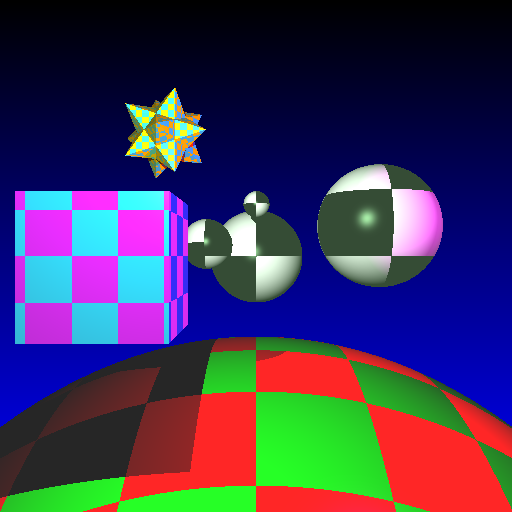
File Textures: UV Texture Coordinate Creation

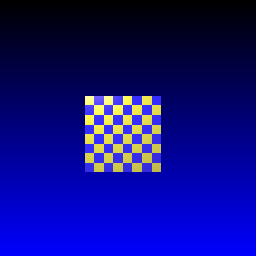
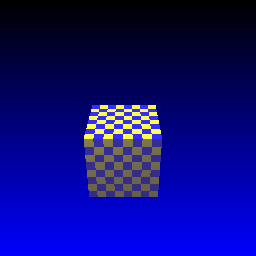
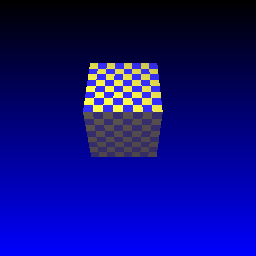
Tonight I wrote UV Texture Coordinate Creation for Sphere and Box primitives. This is generally straightforward but I ran into a decently complicated issue because not all of my cubes are defined as unit cubes! I have a non-hierarchical box and a hierarchical box, and the one is affected by matrix transformations while the other ones do not require this. That caused a problem as I was trying to compare the intersection points with the min/max points on the edges of the cube, and this was not possible until I translated the cube back to the place where a unit cube is generally defined. Sweet. So that took a while but it's awesome to have nice UV texture across the cube now too.

Note from these images that I haven't implemented Mesh UVs yet, I will not be generating these, instead I will be reading them in from the mesh OBJ file and doing some mad interpolation vibe. Word.

Hehe so anyway here are some images from tonight.


UV Mapping first try at spheres


Box front


Box left side textured correctly


Box left side 2nd image


Box back textured correctly


Box ride side textured correctly


Box straight on


Box top


Box bottom


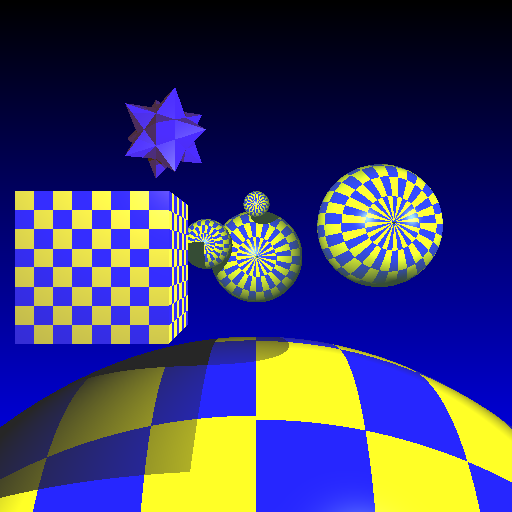
Boxes in a grid pattern


Spheres in a grid pattern


Non hierarchical image UV mapped


Non hierarchical boxes image UV mapped


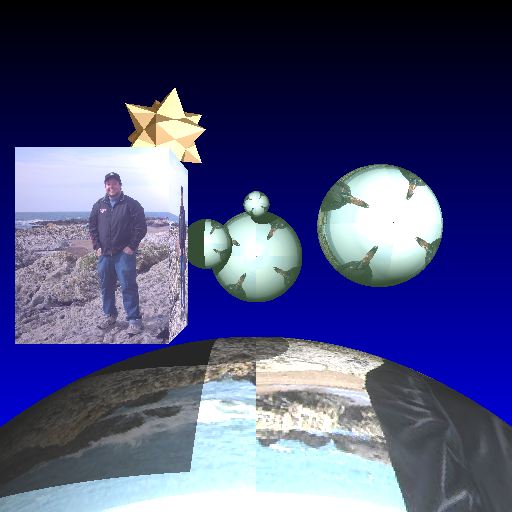
A picture of me texture mapped onto the spheres and cubes

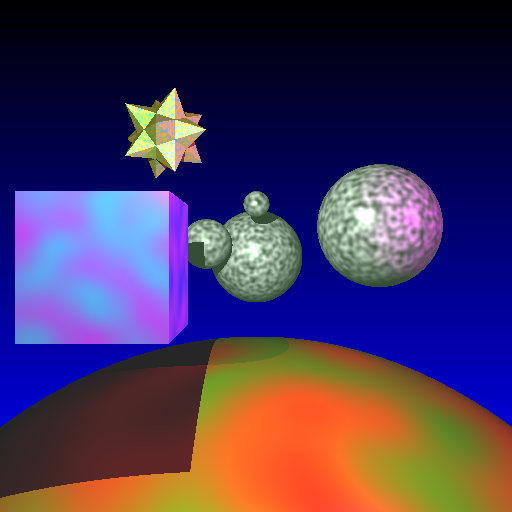
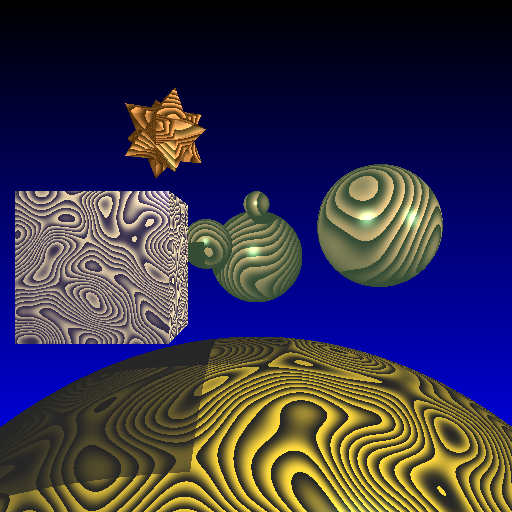
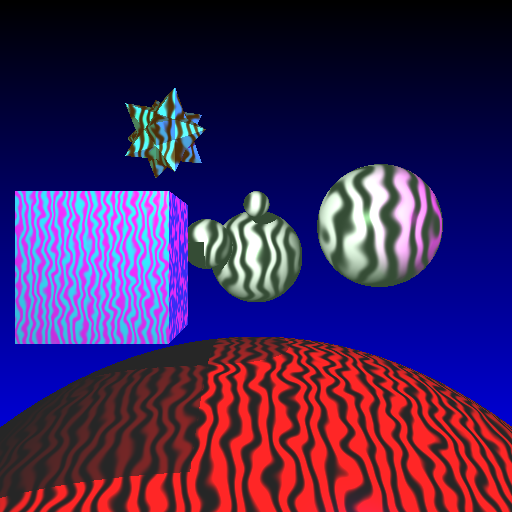
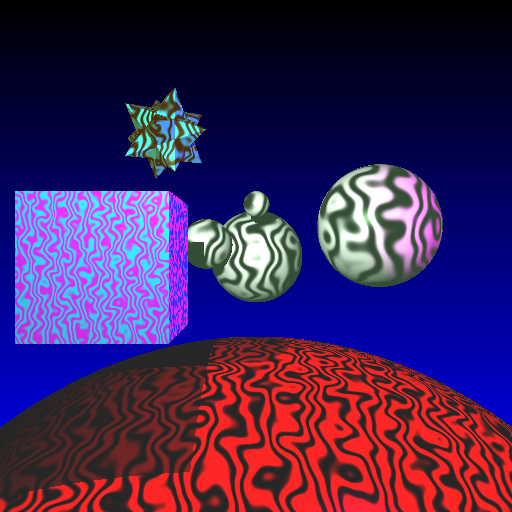
More Textures: Wood Grain, Wavy, Marble

I played around with some functions tonight following the call to the Perlin Noise function and got some cool effects. I am now also running a Cosine interpolation on these instead of a Linear interpolation. It doesn't make a huge difference but the colours appear to blend together a little bit better. Also it just added an extra couple of multiplications and a cosine call for each winning intersection's colour method, so that's not too computationally expensive.


Linear interpolation


Cosine interpolation, note the slightly better blending of the two colours together


Wood texture


A nicer wood texture image with better, more "wood-like" colours


Cool wavy texture, noise multiplier = 1


Cool wavy texture, noise multiplier = 5


Cool wavy texture, noise multiplier = 10


Marble texture using Perlin's Noise function

Perlin Noise and improved Solid Textures

Tonight I spent a couple of hours on improving the Solid Textures I had so that I removed the aliasing problems from before. Now I have scalable textures and they look a lot better and I can actually use them well on different kinds of surfaces now without getting that aliasing stuff.

I also got Perlin Noise working and I am just using a super basic linear interpolation function for these images here. I am also going to create a wood grain texture and a marble texture with Perlin noise and add those as extra textures as well.


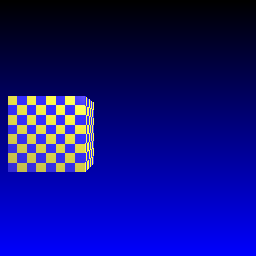
Checkerbox texture looking much better


First try at Perlin Noise


standard Perlin Noise linear interpolation noise texture

Tuesday, July 11, 2006

Big rendering of my beer glass

Sweet. Last night I ran a 1024x1024 pixel render of my beer glass which I created in Maya and then exported as an OBJ file to my Raytracer. I modeled the beer glass in NURBS and the table on Polys, but exported them both as Polys, and exported Vertex Normals with the meshes too.

The new image (click on it to see it in full size) took only about 3 hours to render on the gl13 machine, which is a P4 3.0Ghz with 1 Gb RAM, using my Spatial Subdivisions speedup.

Anyway, this is freakin' awesome!!!!!!!!!!!!!! :) I am totally psyched about this cause it's the first time I've seen my model rendered in my own Raytracer with Vertex Normal Interpolation... ohhh man that rocks. Note the previous image here where I don't have vertex normals and it is all facety.


Old image with no vertex normals and facety glass


Awesome fancy smooth glass that looks totally sweet